EXPERIENCE
From kickoff to the numbers.
Match day, start to finish — played out on your screen.
This is the real STATSMAN flow — try it before you ever install.
During play, theThe cursor (or your finger) is your child’s movement.
1
Launch app
2
Measuring
3
Wear the vest
4
Play
5
Stop & send
6
Edit play time
7
Check data
Saturday morning. Match day.Steps run in the same order as the real app. Takes 1–2 minutes.
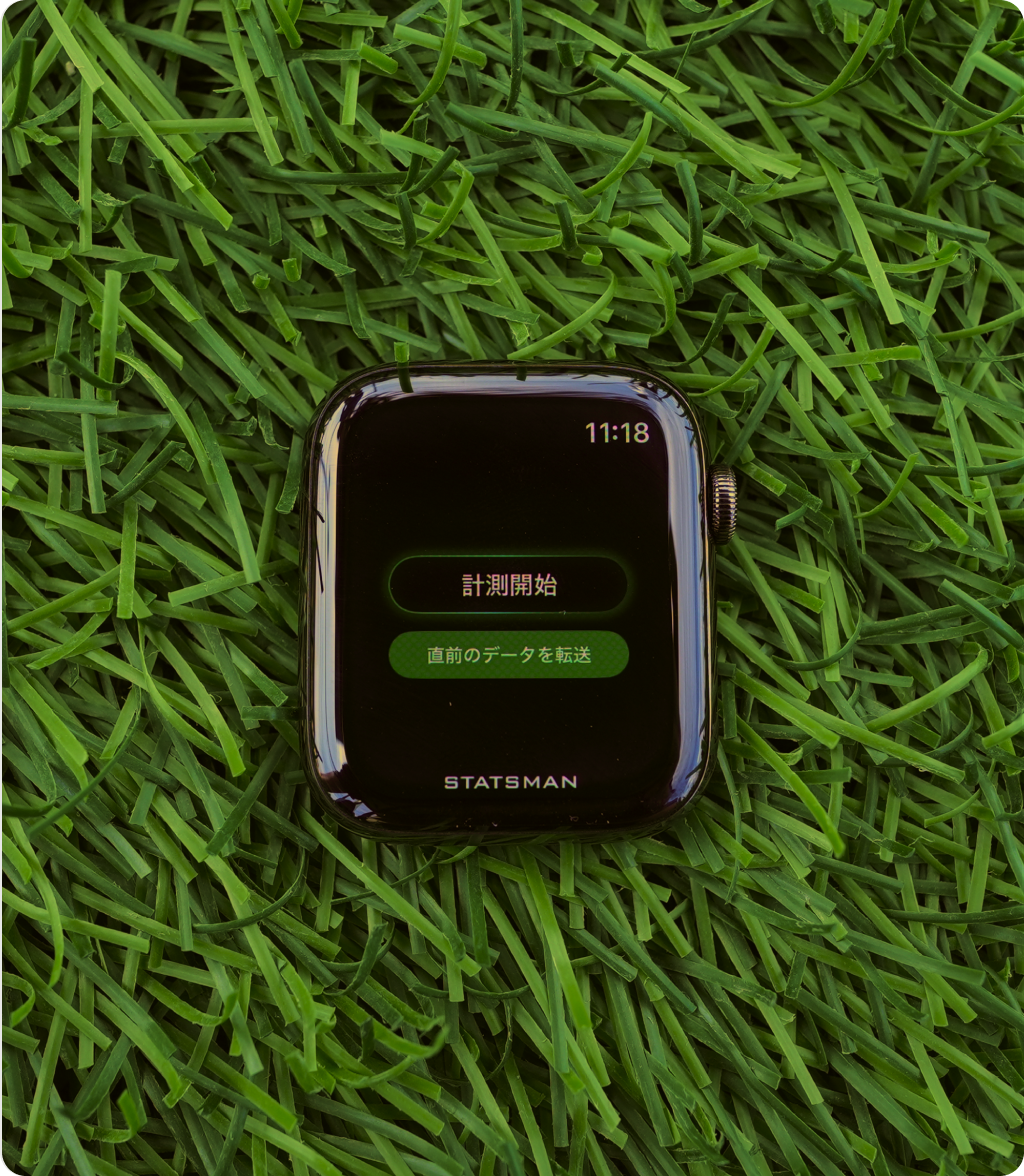
First, open the STATSMAN launched. icon on the Apple Watch
STATSMAN
The app is running."Start measuring" — tap it!Tap the glowing button
✓
Measurement startedFrom here, the Apple Watch keeps recording every move.
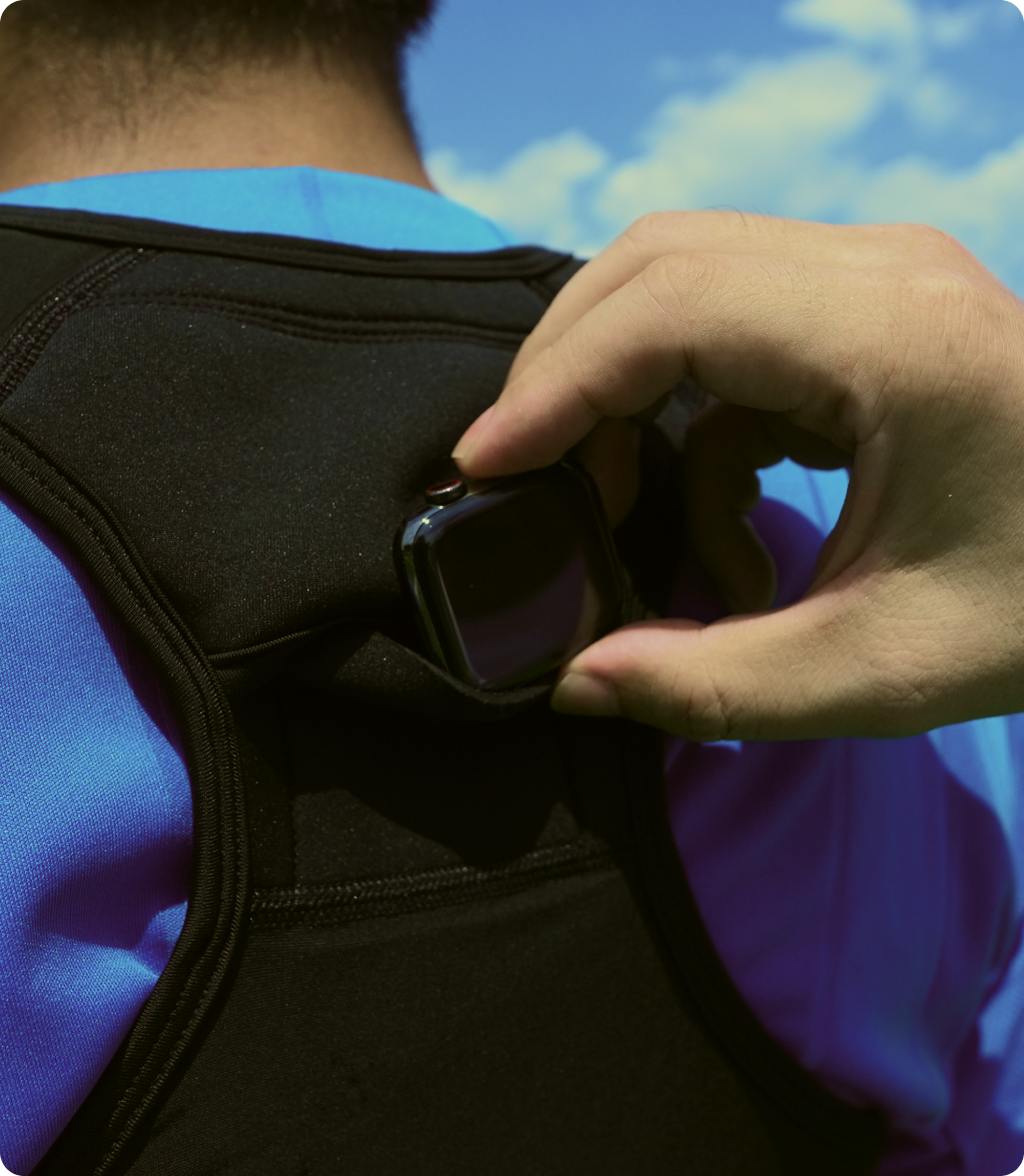
Set the Apple Watch in theback pocket of the vest.Tap the glowing spot to set it
✓
Vest on!Nothing on the wrist, so it’s safe for other kids too.
Safe even in contact play — your child can focus on the game.
Kickoff!Move the cursor (finger) and — recreating your child’s play.run around as if dribbling. One real minute = 60 match minutes. The match ends automatically after 1 minute.
TIME
0:00
Distance
0m
Speed
0.0km/h
Top speed
0.0km/h
Heart rate
72bpm
Sprints
0x
Full time — nicely done!
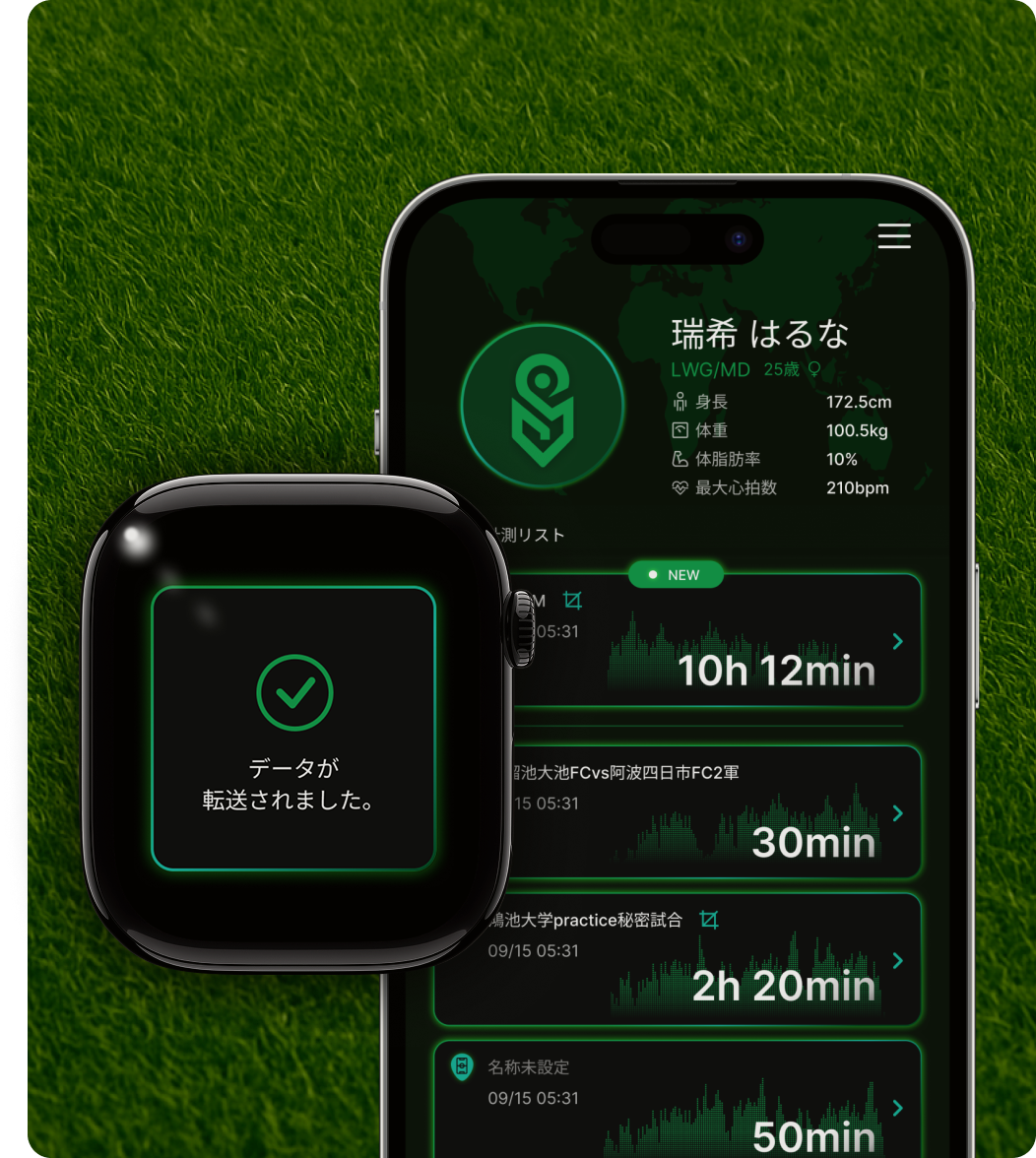
Full time! Let’s send the data to iPhone.
Edit play time.Skip warm-ups and breaks — select only real play time (same as STEP 4 in the app)
First, tap "+ Create tab" to make a "1st half" tab
| Elapsed (min) | Time | Distance (km) |
|---|
1st half: - / 2nd half: -
Rows not included in either half (like halftime) are excluded from the report
Rows not included in either half (like halftime) are excluded from the report
Your iPhone receivedReport for the selected play time.
STATSMAN
Today’s match report
Play time-
Distance-km
Top speed-km/h
Avg speed-km/h
Sprints (25+ km/h)-x
Runs / fast runs-x / -x
Accels (incl. rapid)-x(-)
Decels (incl. rapid)-x(-)
Turns (R / L)- / -x
Heart rate max / avg *- / -bpm
Calories (40 kg est.)-kcal
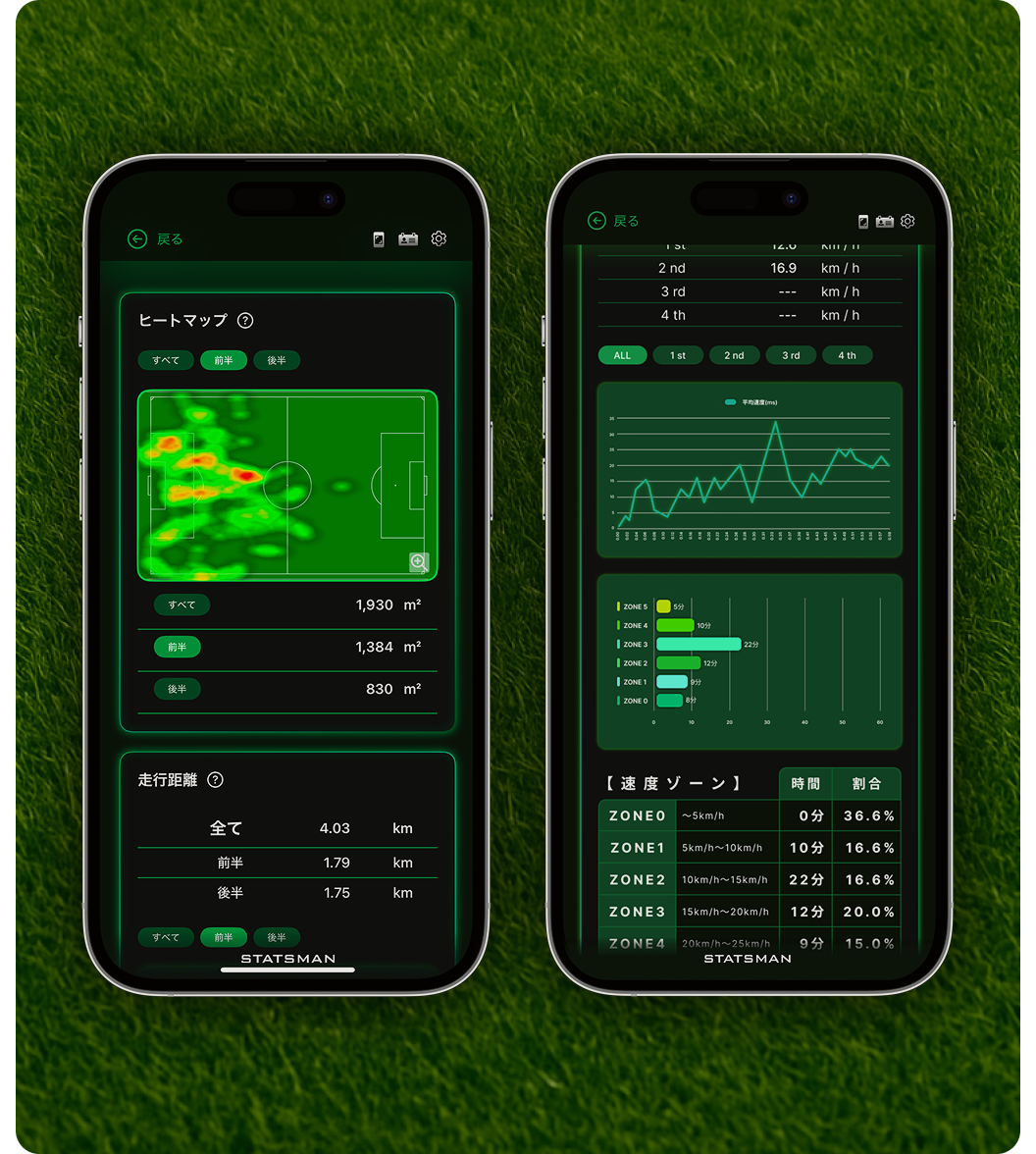
▲ Actual app screens. See even more: heatmaps, speed zones, half-by-half views, and more.
Everything you just triedhappens at every one of your child’s matches —and it all gets saved.
"Good effort today" becomes "look how much you ran in the second half."
"Good effort today" becomes "look how much you ran in the second half."


In the demo, one real minute equals 60 match minutes (auto-ends after 1 minute). Speed zones (run 15–20 km/h / fast run 20–25 / sprint 25+), accel/decel (2.5 m/s² or more; rapid = 4.0 m/s² or more), and turn detection (direction change of 55° or more) use the same criteria as the real STATSMAN app. Heart rate alone is simulated from workout intensity. An Apple device connection is required. ( Required devices _ iPhone & Apple Watch )